

🏋️ Made for lifters
Control your deficit.All in one app.
Set your goal and PowerPath works out your calorie target, plans your week of training and tracks your meals from a photo. On iPhone and Android.
From a few answers to a full week
Tell PowerPath your goal, your level and when you can train. It comes back with one plan in three parts.
-
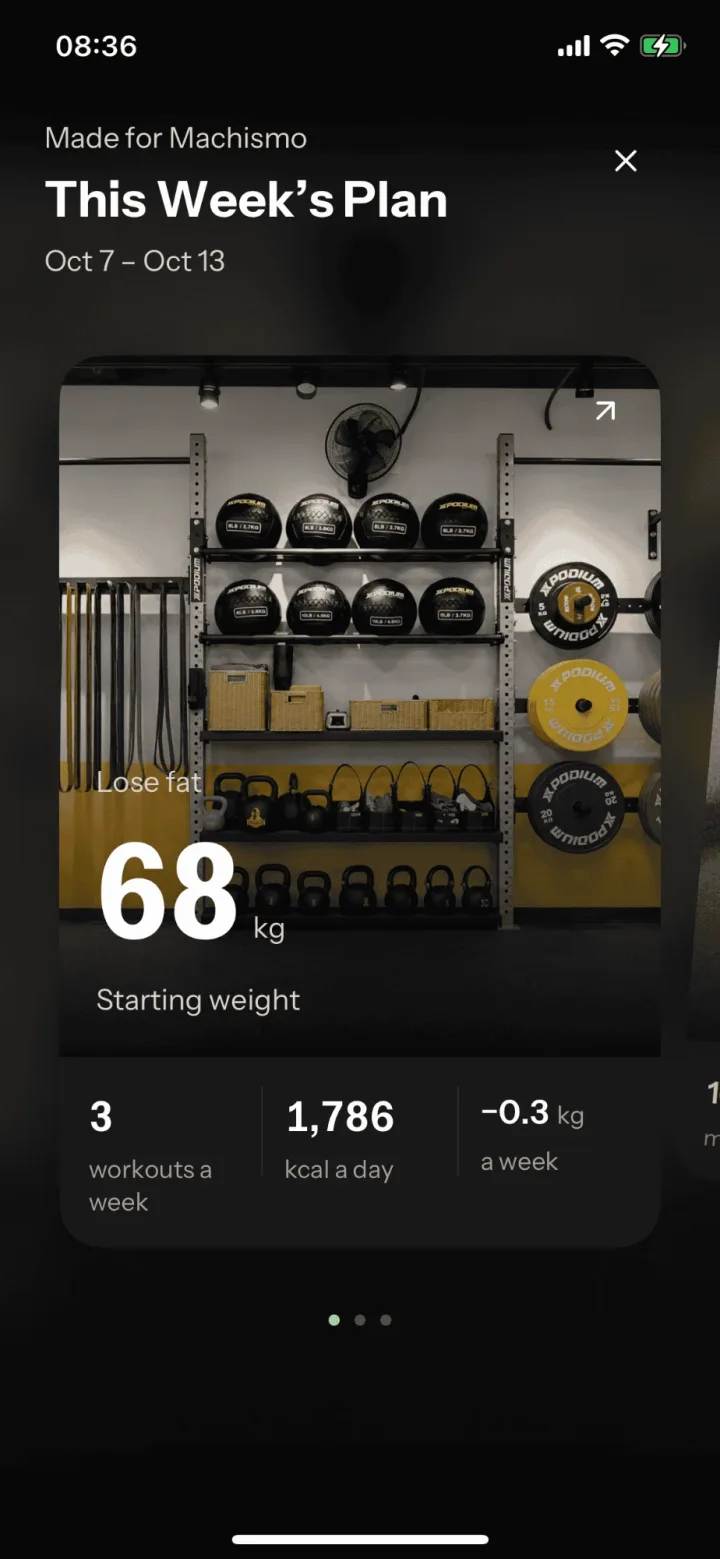
Direction
Where you are starting, where you are headed and how fast the plan expects to get you there.
-
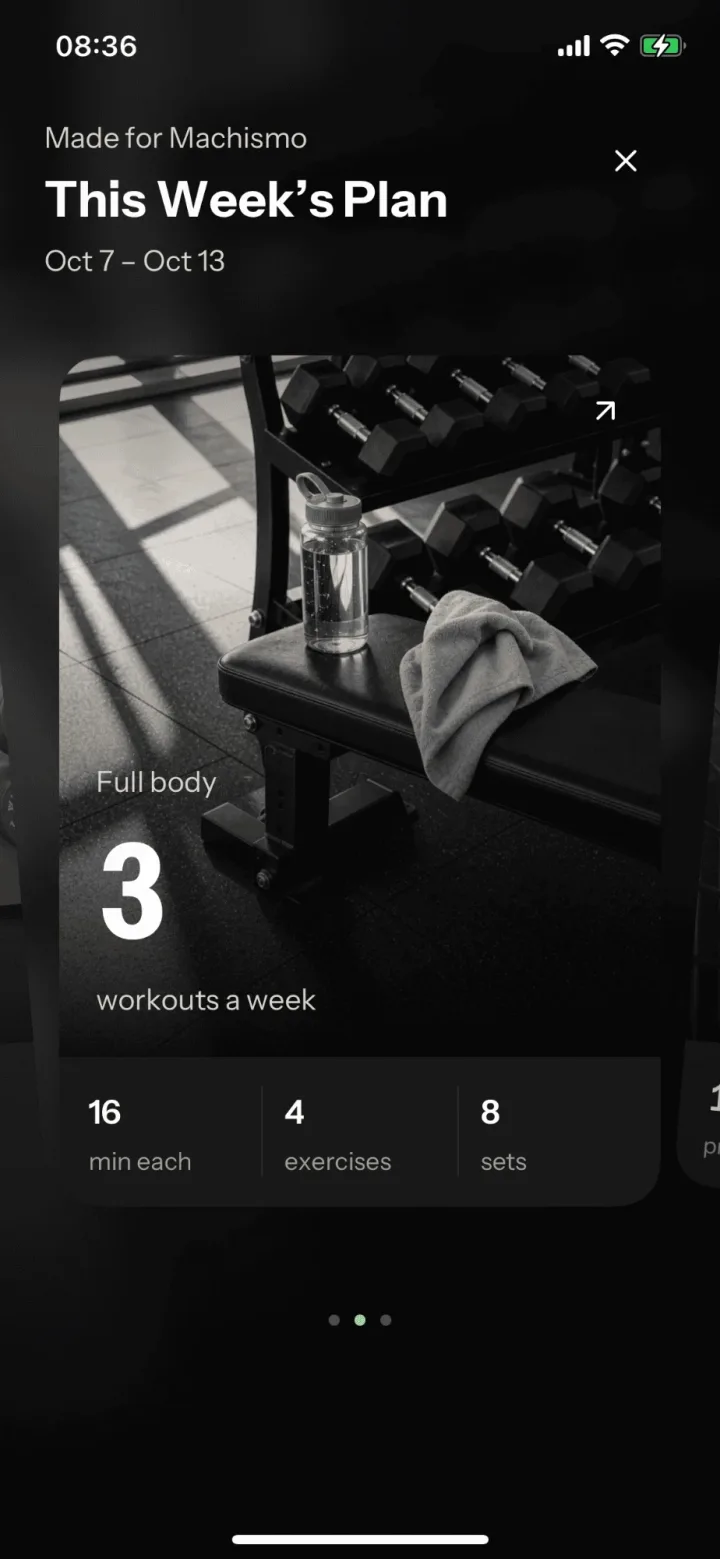
Train
How many sessions a week, how long each one runs and how many exercises and sets it holds.
-
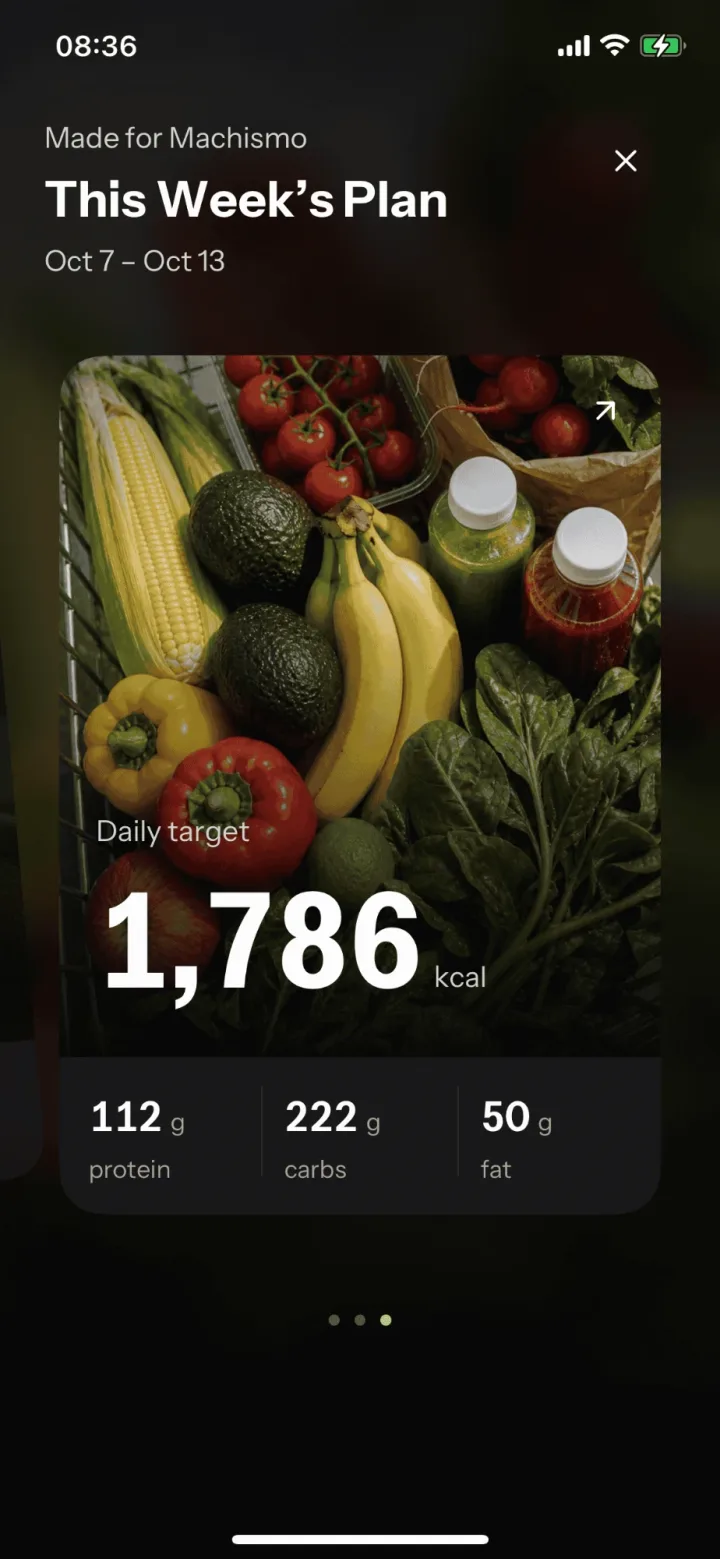
Eat
A daily calorie target, with protein, carbs and fat already worked out.
Train
Follow it. Fix it.
Work through each set, and check your form so every rep counts.
-
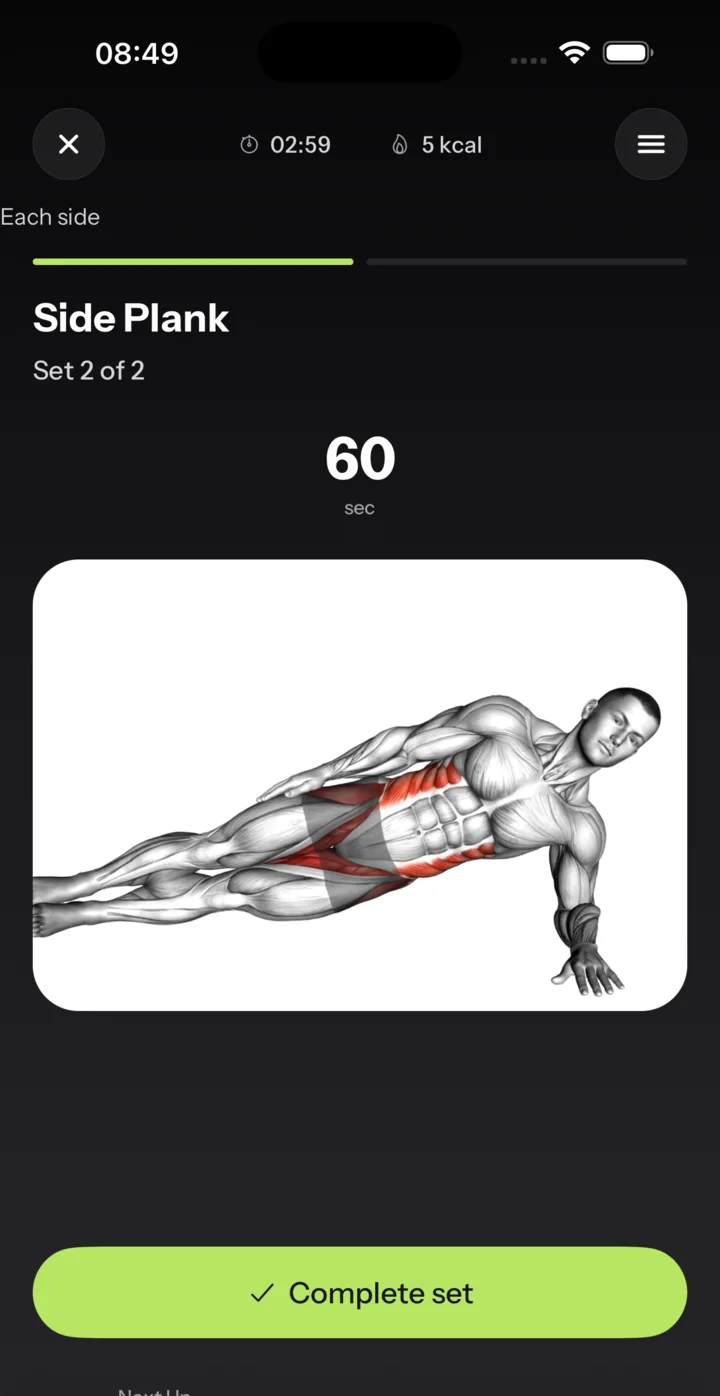
Follow each set
See the movement, the target for this set and what comes next.
-
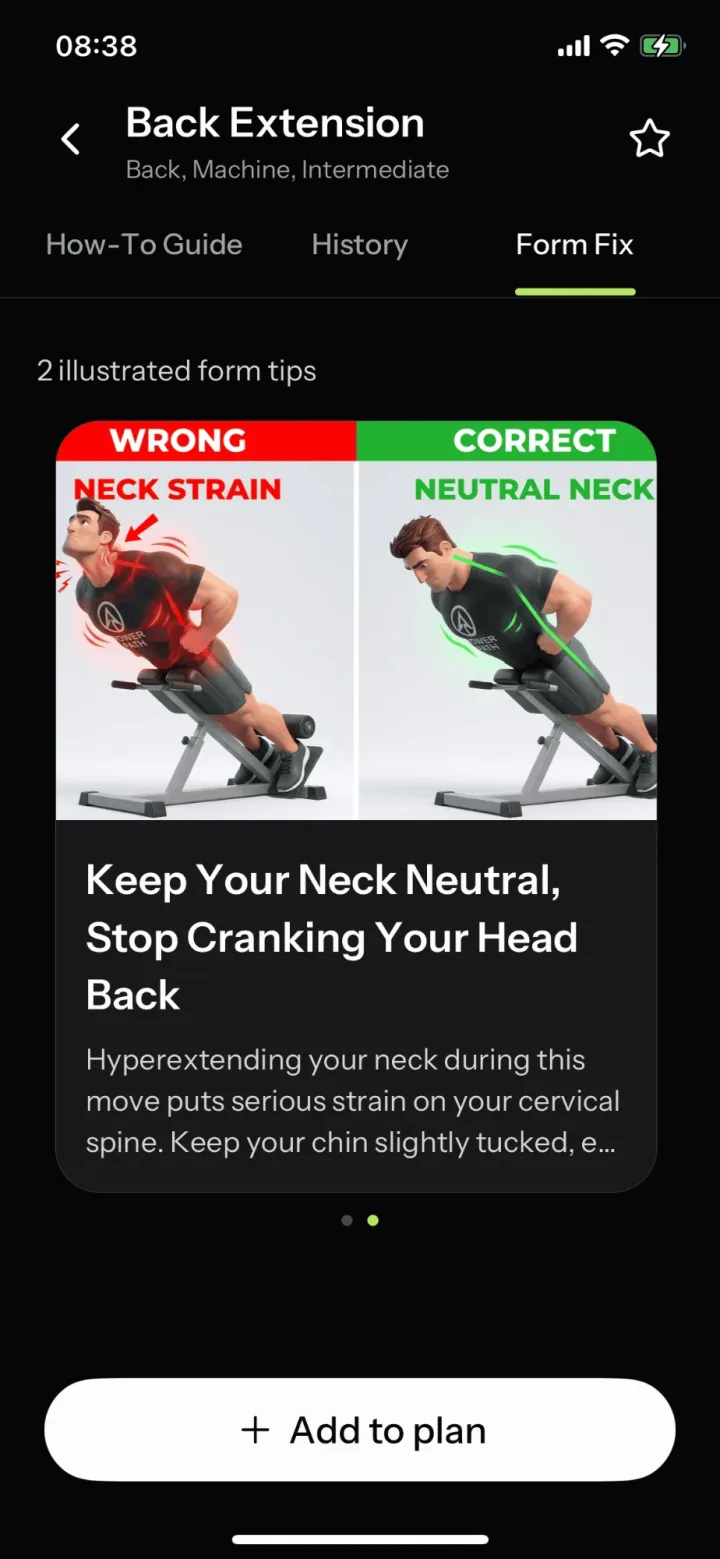
Form fix
Illustrated tips show the wrong form next to the correct one, with a short note on what to change.
Eat
Know the number. Log the meal.
See how your calorie target is set, then log what you eat from a photo.
-
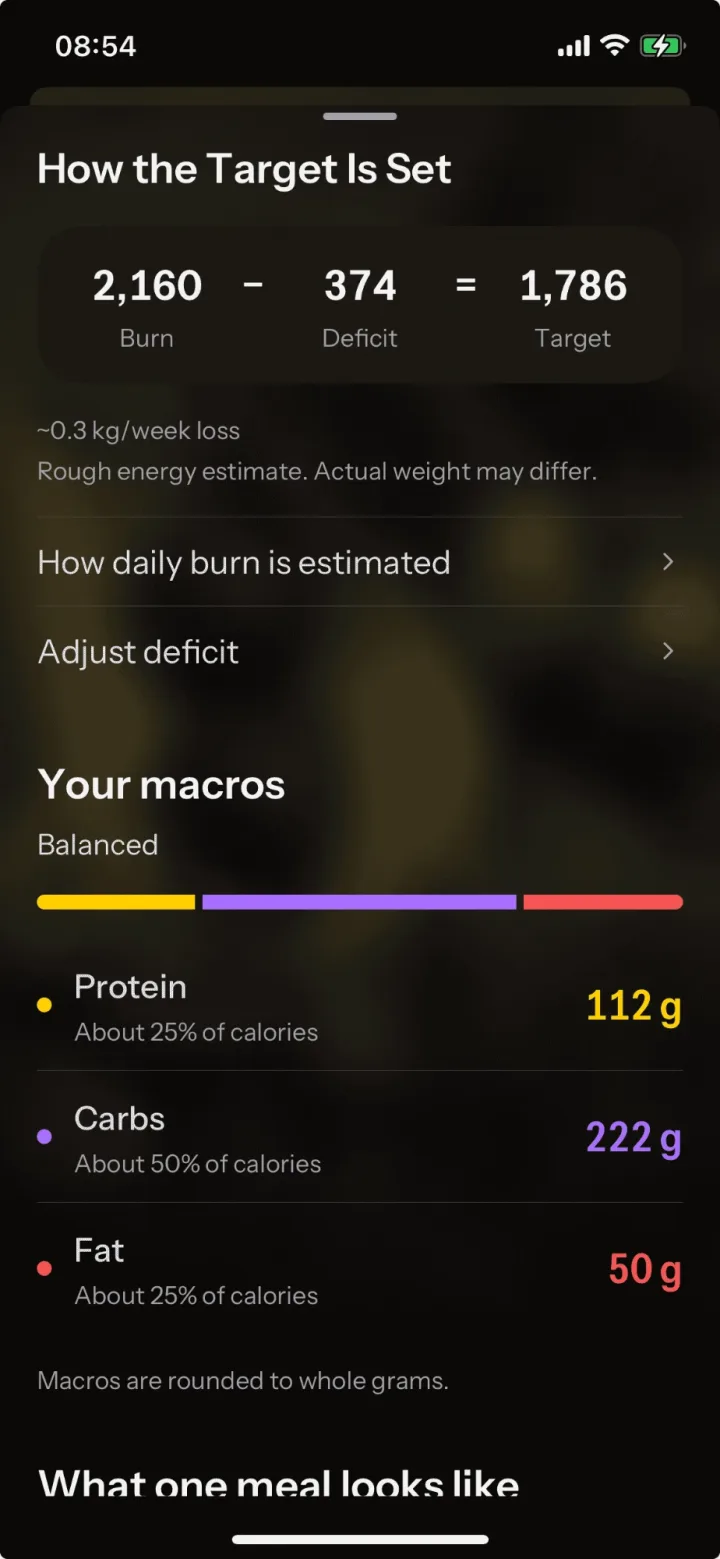
Your calorie target
Burn minus deficit equals target, with the weekly loss and your macros shown.
-
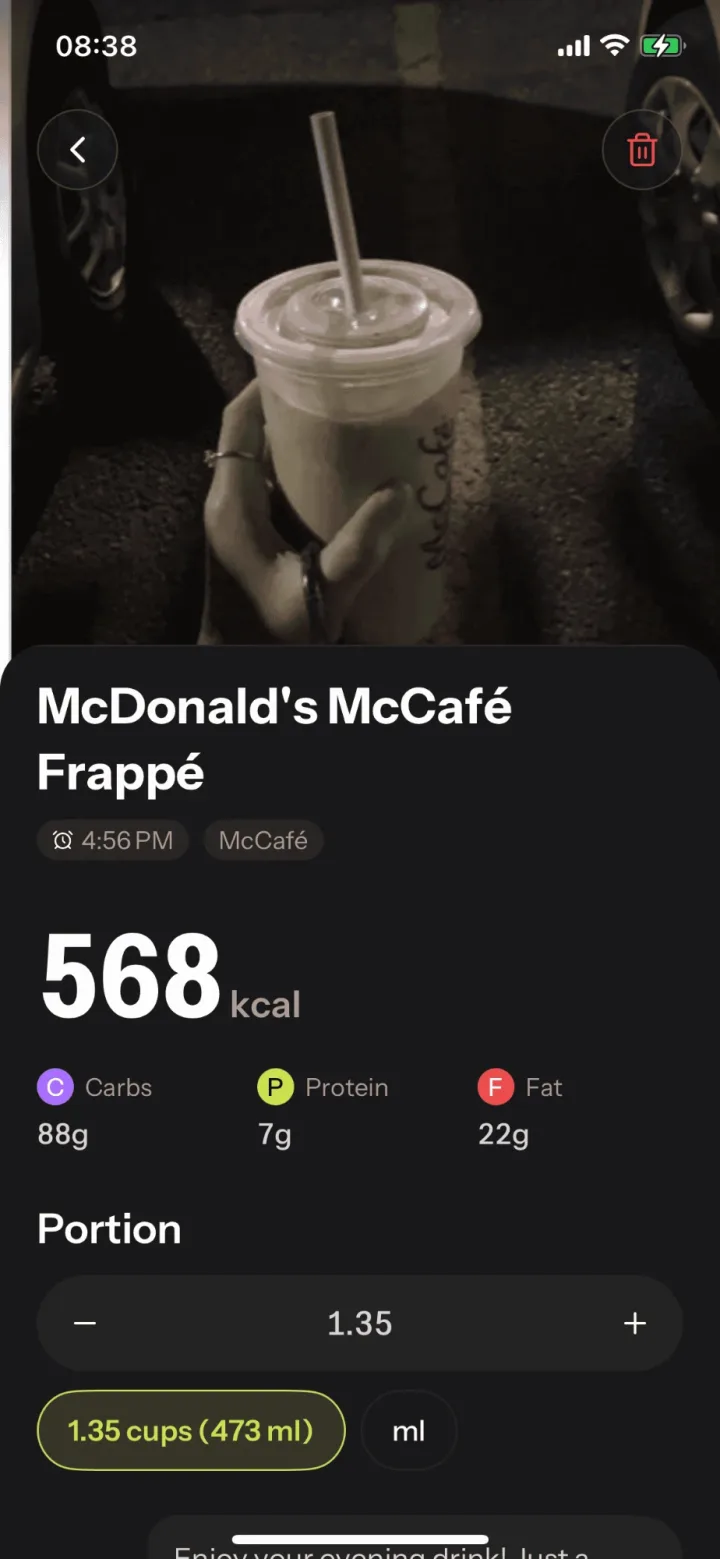
Calorie recognition
Photo in, calories and macros out. Change the portion and the numbers follow.
Review
Your week, in four cards
See whether the deficit is holding. Every week PowerPath sums up your weight, calories, training and muscle focus. Share a card, or keep it to yourself.
-
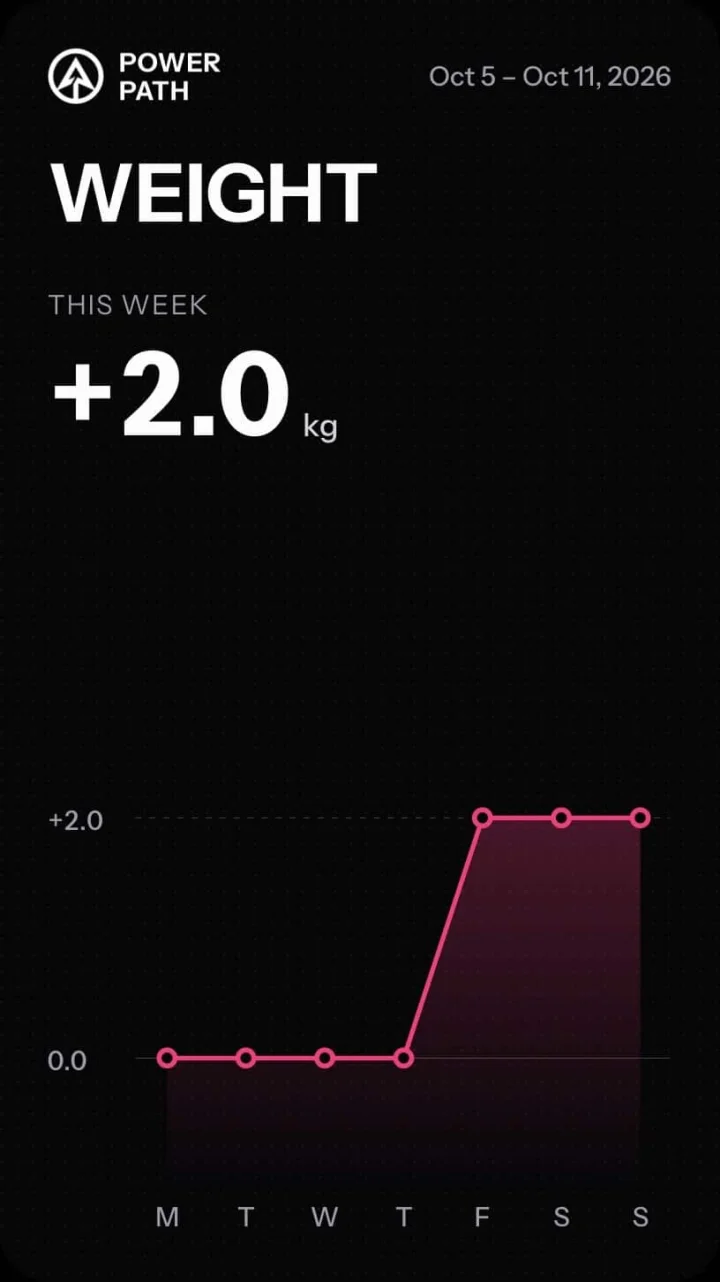
Weight
How your weight moved this week.
-
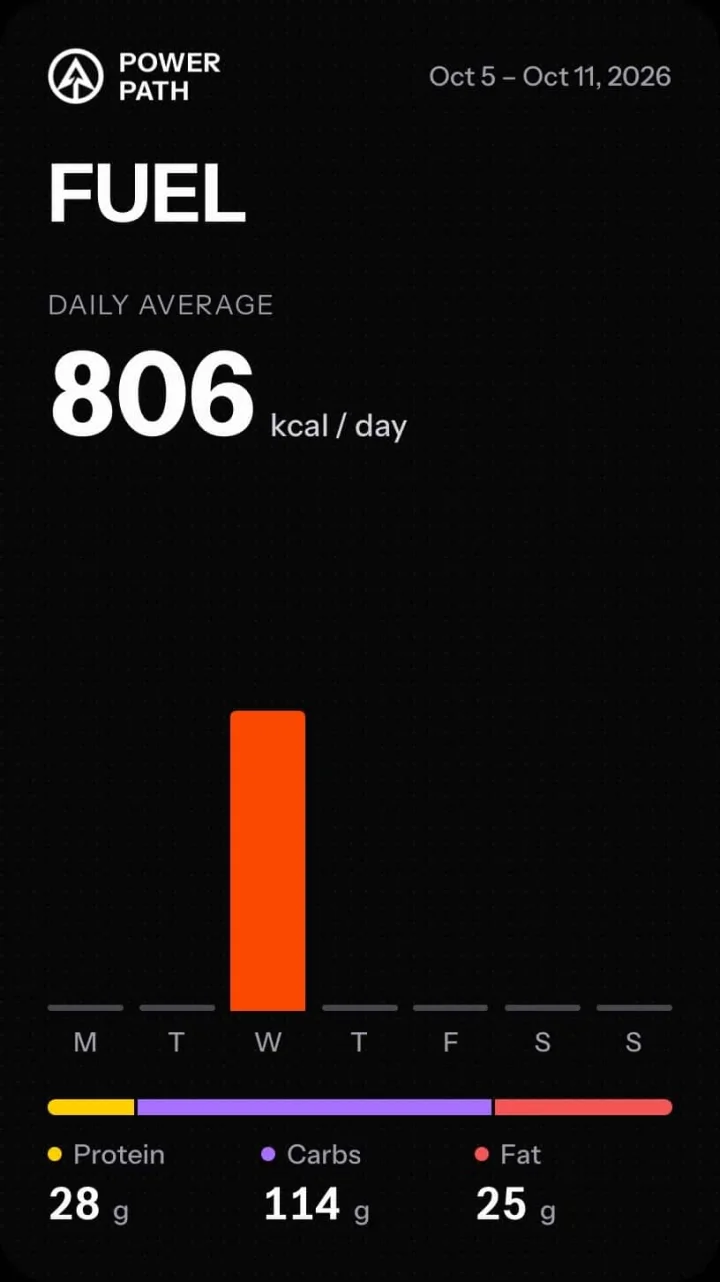
Fuel
Daily calories, plus protein, carbs and fat.
-
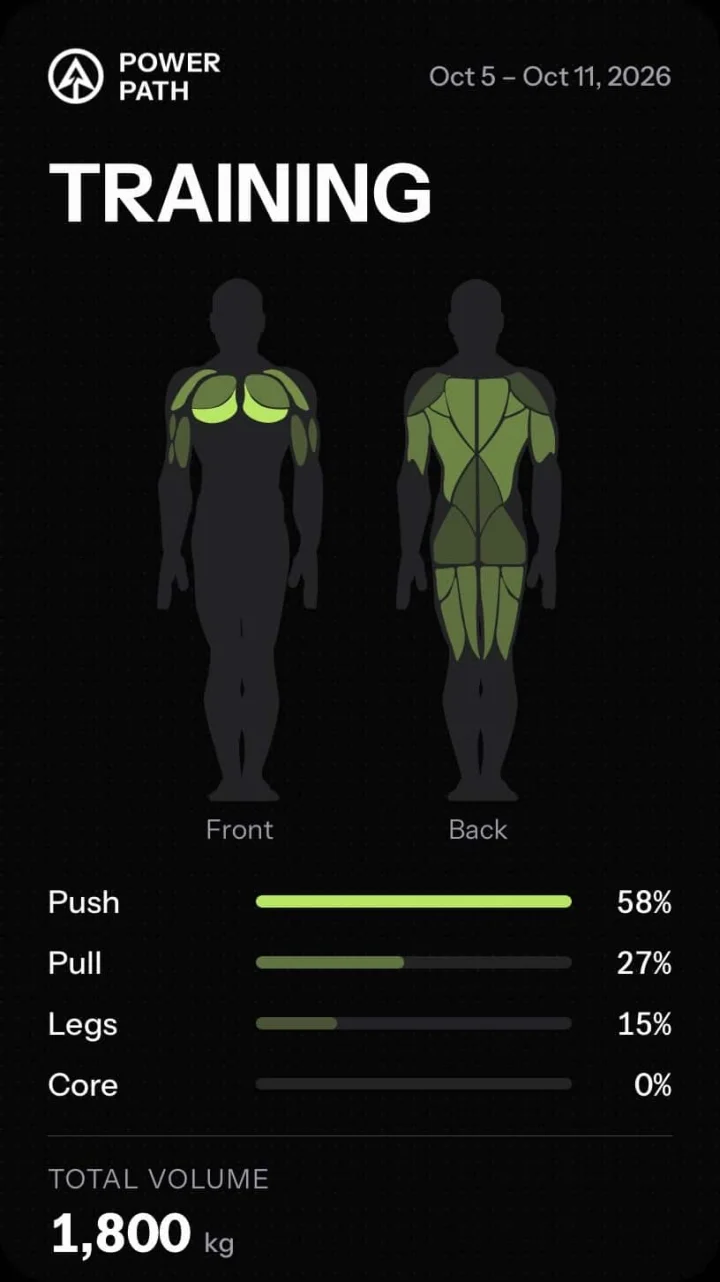
Training
Muscle focus and total volume.
-
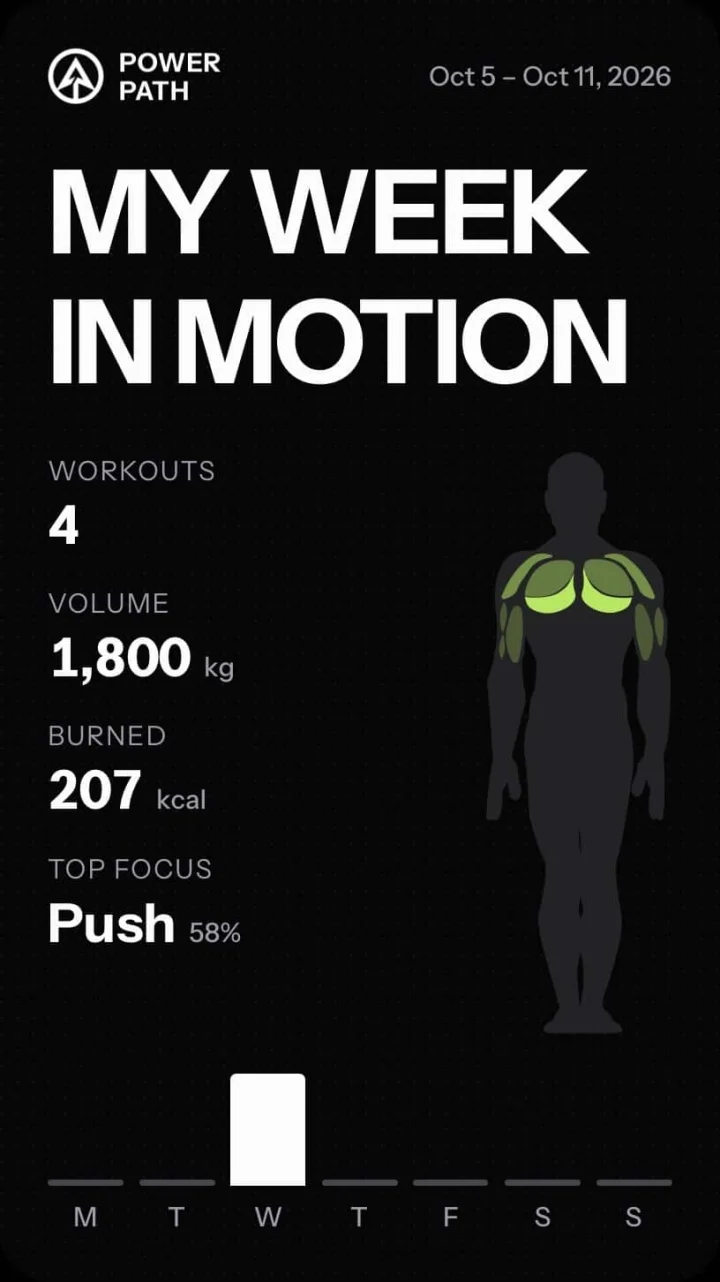
My week in motion
Workouts, volume and calories burned on one card.
For the way you actually train
Tell PowerPath what you want and where you work out. The plan is built around both.
- Losing fat
- Building muscle
- Staying in shape
- Gym training
- Home workouts
- Starting out
Common questions
Is PowerPath available yet?
Not yet. PowerPath is coming to iPhone and Android. Join the waitlist to save your place.
How does the AI plan work?
You answer a few questions about your goal, experience, equipment, schedule and body. PowerPath uses them to build a week of training plus a daily calorie and macro target.
How is my calorie target set?
PowerPath estimates your daily burn, subtracts a deficit and shows the result as your target, with the weekly loss it implies. It is a rough energy estimate, so your actual weight may differ, and you can adjust the deficit.
Do I need a gym?
No. During setup you choose gym, home or both, and the plan is built from exercises that fit where you train.
How does meal logging work?
Take a photo of your meal or scan a barcode. PowerPath estimates the calories and macros, and you can correct the portion or the ingredients before you save it.
What is Form Fix?
Open an exercise and switch to its Form Fix tab. You will see illustrated tips: the wrong form next to the correct form, and a short note on what to change.
Is it free?
You can start for free. PowerPath Pro is an optional subscription that adds extras such as unlimited AI plans, unlimited templates and a weekly AI progress report. Pricing will be shown in the App Store and Google Play at launch.
Which languages does the app support?
English, Spanish, French, Portuguese, Japanese, Korean, Simplified Chinese and Indonesian.
Your next week, already planned
Your calorie target, your training and your meals, together in one app.